
The digital landscape has shifted. In 2026, you no longer need a Hollywood budget or a degree in 3D modeling to manifest a digital twin. Whether you are a creator looking for a virtual spokesperson or a professional seeking a polished LinkedIn headshot, AI tools have become more accessible, and more realistic, than ever. This guide breaks down the ultimate free workflow to help you build your digital presence from scratch.
Defining Your Digital Double: Static VS Video
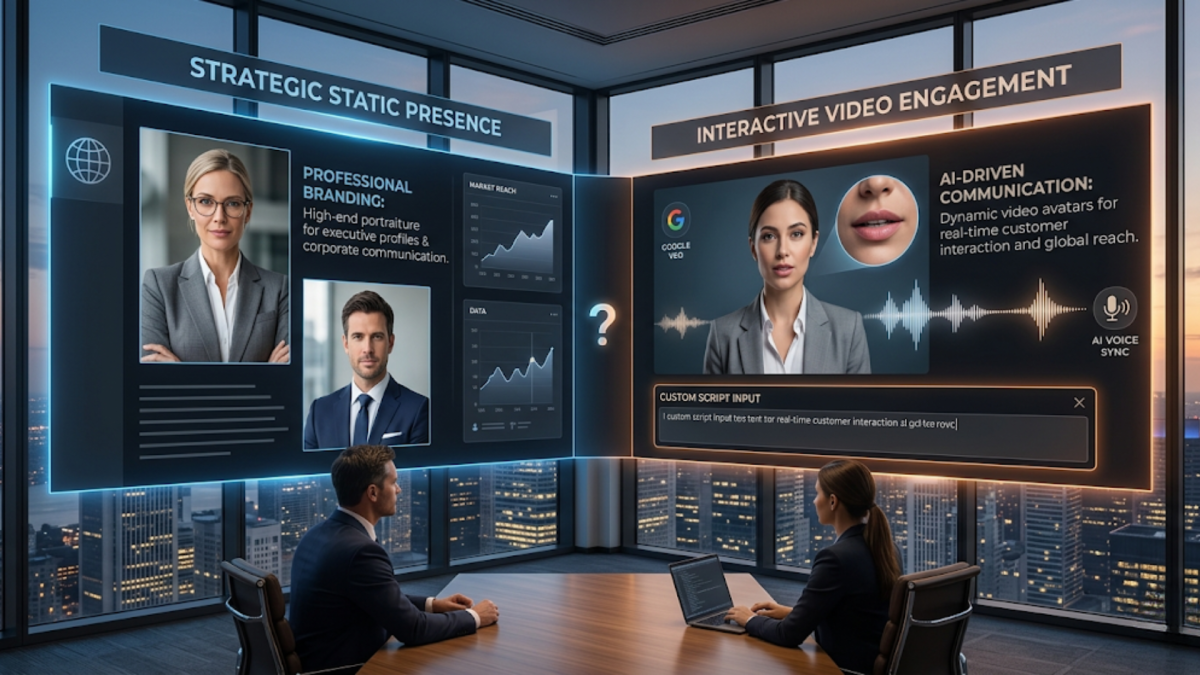
Before you start generating, you need to decide what "job" your avatar is doing. AI avatars generally fall into two categories:
-
Static Avatars: These are stylized profile pictures. Think of 3D Pixar-style characters for gaming, anime versions of yourself for social media, or high-end professional headshots generated via Microsoft Designer.
-
Video Avatars: These are "talking heads." Using tools like Google Veo 3, you can take a single photo and animate it so it speaks a custom script with perfect lip-syncing and natural eye blinking.
The 2026 Power Stack: Best Free Tools
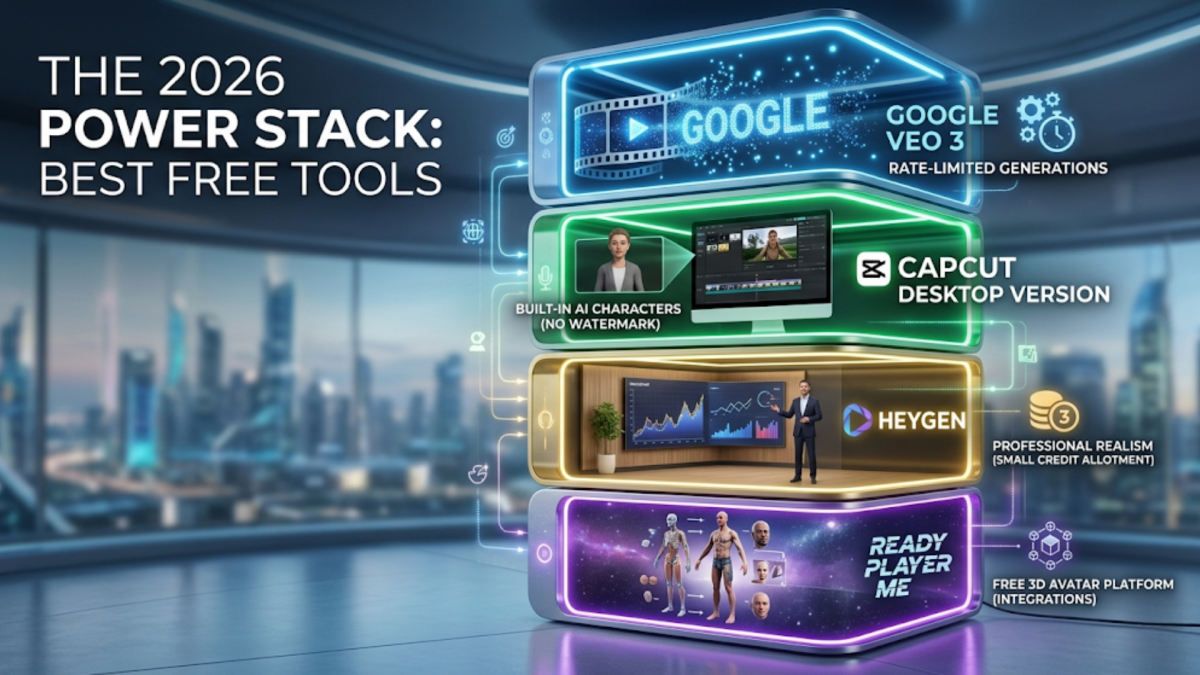
While many platforms have moved toward subscription models, a few "secret" gems remain incredibly generous for free users in 2026. For high-quality video, Google Veo 3 is the top choice, it is rate-limited rather than credit-limited, meaning you can create multiple clips as long as you wait a few minutes between generations.
For social media creators, the CapCut Desktop Version is a game-changer, offering built-in AI characters that can be used without a watermark. If you are looking for professional realism, HeyGen remains the gold standard, though it limits free users to a small handful of credits. Finally, for those venturing into the metaverse or VR, Ready Player Me offers a completely free platform to build 3D avatars that integrate with thousands of existing apps.
The Ultimate Free Workflow: From Concept to Animation
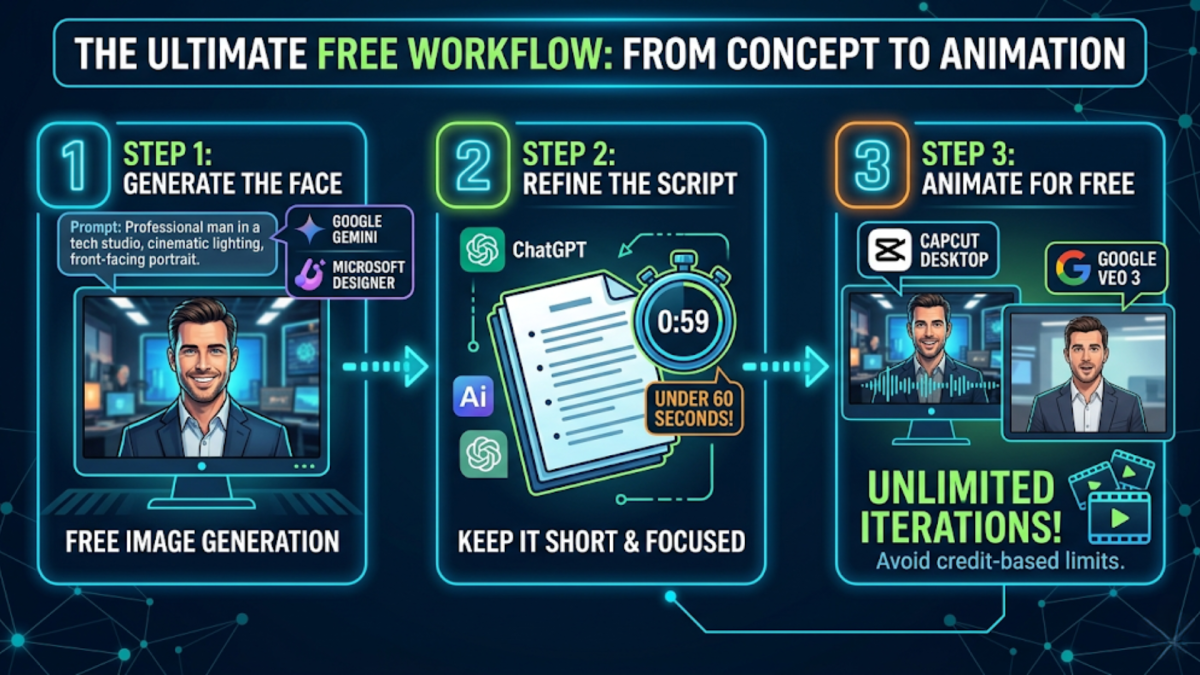
If you want a high-quality talking avatar without spending a cent, you have to "stack" your tools. Follow this 3-step sequence to bypass the limitations of all-in-one paid platforms:
-
Generate the Face: Use a prompt like "Professional man in a tech studio, cinematic lighting, front-facing portrait" in Google Gemini or Microsoft Designer.
-
Refine the Script: Use an AI writer to keep your script under 60 seconds. Most free video tiers limit you to short clips, so brevity is your best friend.
-
Animate for Free: Upload your image and script to CapCut Desktop or Google Veo 3. By using these tools instead of credit-based websites like D-ID, you can iterate on your video as many times as your patience allows.
Conclusion: Stepping Into the Metaverse
Creating an AI avatar in 2026 is no longer about technical skill, it’s about choosing the right workflow. By combining the image generation of Microsoft with the animation power of Google Veo 3 or CapCut, you can create a professional-grade digital persona for $0. Start small, keep your scripts concise, and don't be afraid to experiment with different "styles" until you find the digital version of yourself that fits your brand.