Transforming Dense Documents into Short Videos with Google NotebookLM
Google’s NotebookLM uses its Studio workspace to convert dense documents, spreadsheets, and notes into short, narrated videos and visual study tools. Operating strictly on a source-grounded model to prevent factual errors, it allows users to synthesize multiple file formats into quick, engaging summaries for study, business, or content creation.
Imagine turning a dry, 20-page document or a complex spreadsheet into an engaging short video with just a single click. Google’s NotebookLM makes this possible through its Video Overview feature. Located inside the platform's upgraded Studio workspace, this AI tool bridges the gap between traditional reading and modern video consumption. Whether you are a student reviewing lecture notes, a professional analyzing quarterly reports, or a creator repurposing research, NotebookLM converts dense text into snackable, bite-sized visual content in seconds.
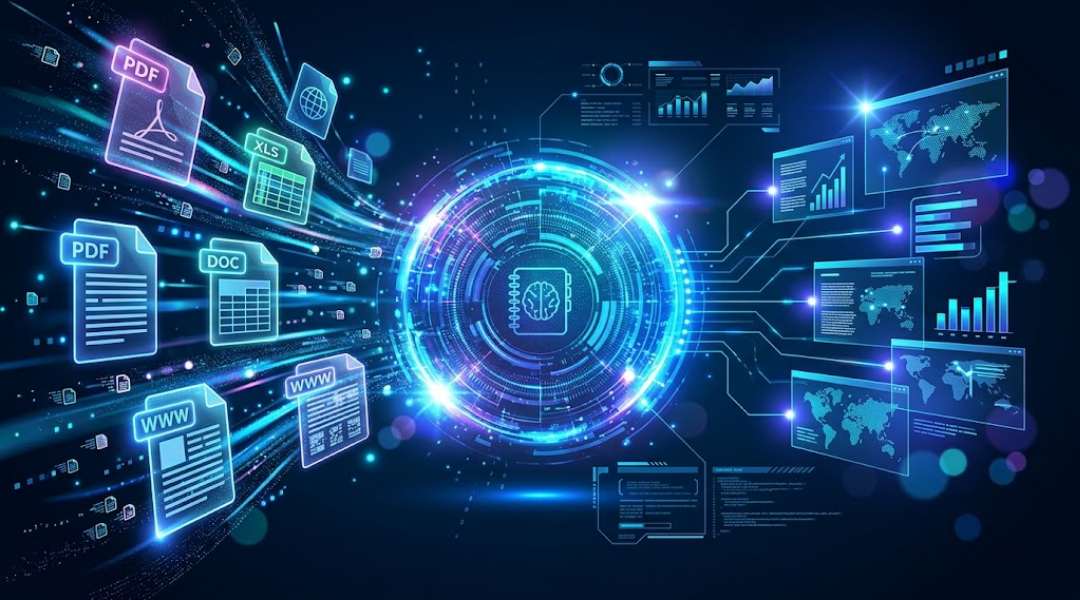
Effortless Source Ingestion Across Formats
The setup process requires no complex data formatting or manual video editing. Users simply log into NotebookLM, create a new notebook, and upload their reference files directly. The platform seamlessly handles a wide array of file formats, including PDFs, Excel spreadsheets, standard documents, web pages, and uploaded notes.
Instead of being restricted to a single file at a time, you can upload multiple documents into the same workspace. NotebookLM's underlying AI synthesizes information across all connected files simultaneously, connecting insights from various sources before producing a unified summary.
Dynamic Video Generation and Studio Capabilities
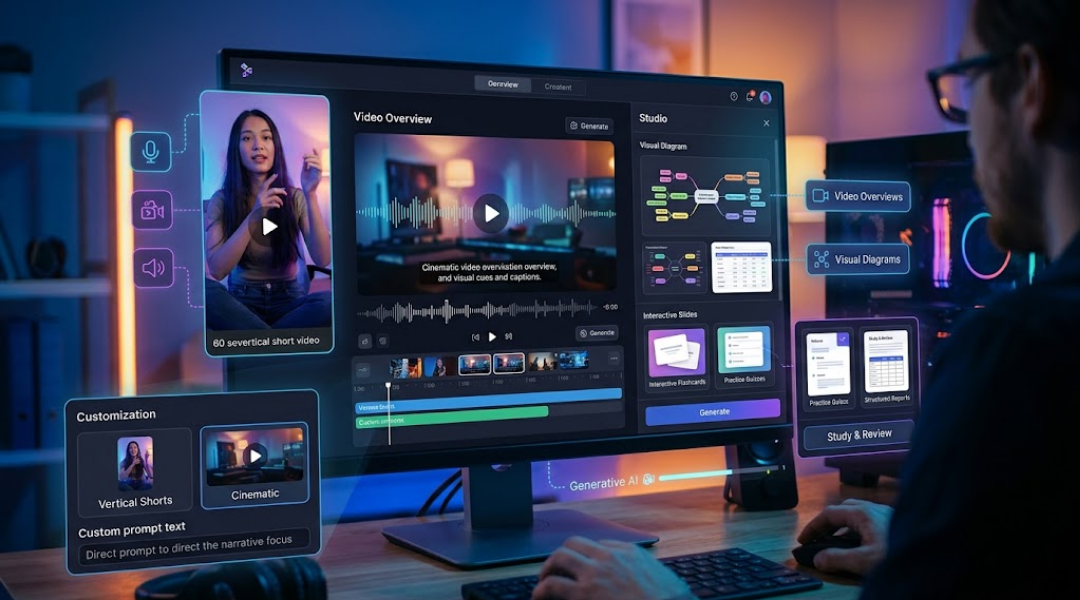
Once sources are uploaded, the Studio panel on the right side of the screen opens up a suite of automated generation tools:
-
Video Overviews: Produce 60-second vertical short videos or cinematic explainer clips complete with automated voiceover narration, animated visual cues, and synchronized captions.
-
Visual Diagrams & Slides: Generate ready-to-use slide decks, mind maps, data tables, and infographics.
-
Study & Review Tools: Automatically convert documents into interactive flashcards, practice quizzes, and structured reports.
Users can easily customize their output format, selecting between vertical Shorts for mobile viewing or broader Cinematic formats, and apply custom prompts to direct the narrative focus toward specific topics within their sources.
Fact-Grounded Accuracy and Practical Applications
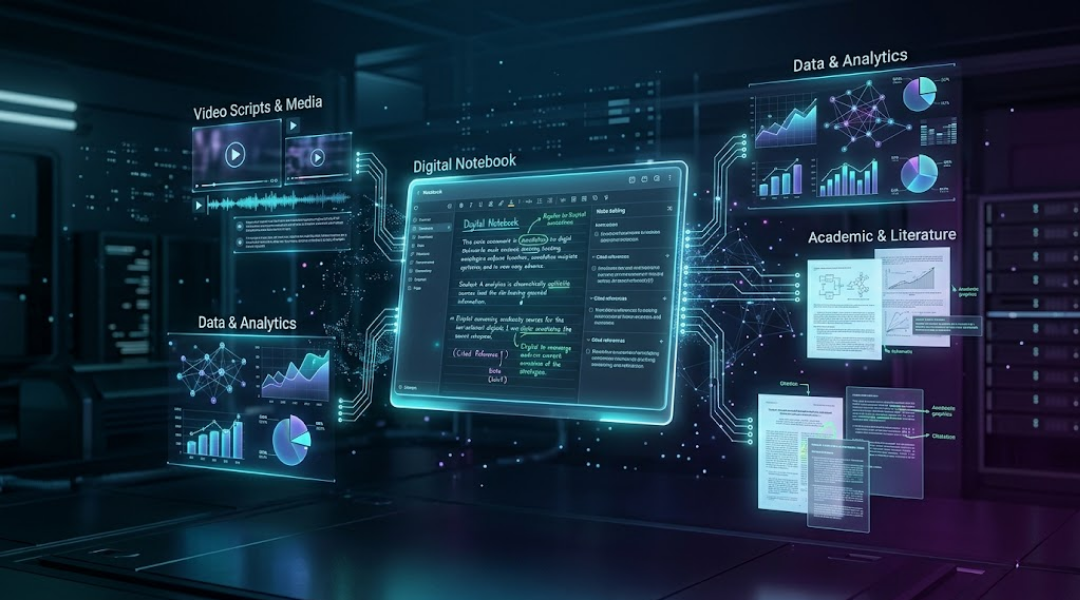
Unlike general AI tools that might invent details, NotebookLM operates strictly on a source-grounded model. Every video script, graphic, and visual highlight is pulled directly from the uploaded reference material, preserving key metrics, stats, and facts without introducing outside hallucination.
This strict adherence to uploaded data unlocks several practical workflows:
-
Academic Review: Turn textbook chapters or research papers into quick visual recaps and flashcard decks.
-
Business Reporting: Convert weekly metrics, meeting transcripts, and project updates into brief video briefings for team members or clients.
-
Content Creation: Transform long-form articles or case studies into short video scripts tailored for social media.
Conclusion: Transforming Static Content into Dynamic Video Overviews
By turning static PDFs, spreadsheets, and notes into dynamic Video Overviews, NotebookLM reshapes how we process and share information. Instead of spending hours reading through dense files or manually editing presentations, users can rely on automated AI synthesis to create accurate, engaging visual media in a fraction of the time.
Watch the full video on Instagram 👉
https://www.instagram.com/reel/Dejwg2_q8jf/?mdxt=MTF1cmhuNmZrdWpkdQ==