DeepSeek VS Copilot: Why You Might Need Both for Work
DeepSeek handles the heavy logic, math, and code, while Microsoft Copilot manages everyday emails, meetings, and office tasks directly inside your apps, using both together gives you he ideal balance of reasoning power and workplace convenience.
Artificial intelligence is changing how we get things done at work. Instead of using just one tool for every task, many people are discovering that two popular AI tools, DeepSeek and Microsoft Copilot, work best when used together. Here is a look at what each tool does best and how they can team up to save you time.
DeepSeek: The Logic and Problem-Solving Specialist
DeepSeek is built for tasks that require deep thought, technical troubleshooting, and step-by-step reasoning.
-
Best for: Coding, debugging, math calculations, and complex logic puzzles.
-
Key strength: Its "DeepThink" mode shows you exactly how it reached an answer, making it easy to double-check formulas or spot mistakes in a script.
-
When to use it: Whenever you need an on-demand technical assistant to solve a tricky calculation or fix broken code.

Microsoft Copilot: The Everyday Office Assistant
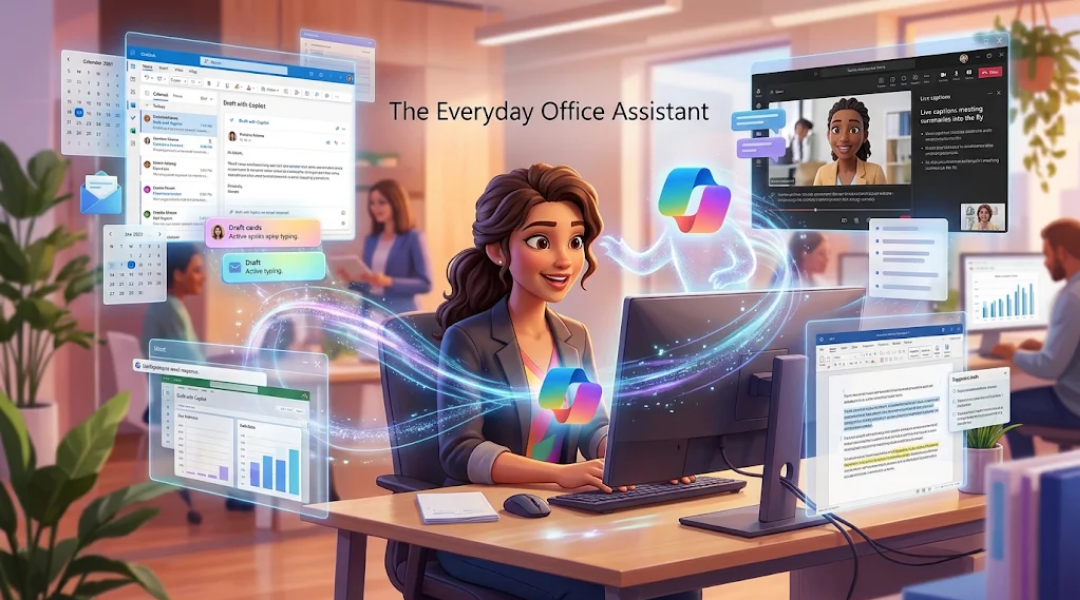
Microsoft Copilot is designed to work directly inside the programs you already use all day, like Word, Excel, Outlook, and Microsoft Teams.
-
Best for: Answering emails, summarizing meetings, and drafting documents.
-
Key strength: It already has access to your work files, calendar, and past email threads, so you don't have to copy and paste information back and forth.
-
When to use it: When you need a quick email reply drafted in Outlook, a bullet-point summary of a missed Teams meeting, or an outline for a PowerPoint slide.
How to Use Them Together for the Best Results
You do not have to choose just one tool. In fact, combining their strengths gives you the best of both worlds:
-
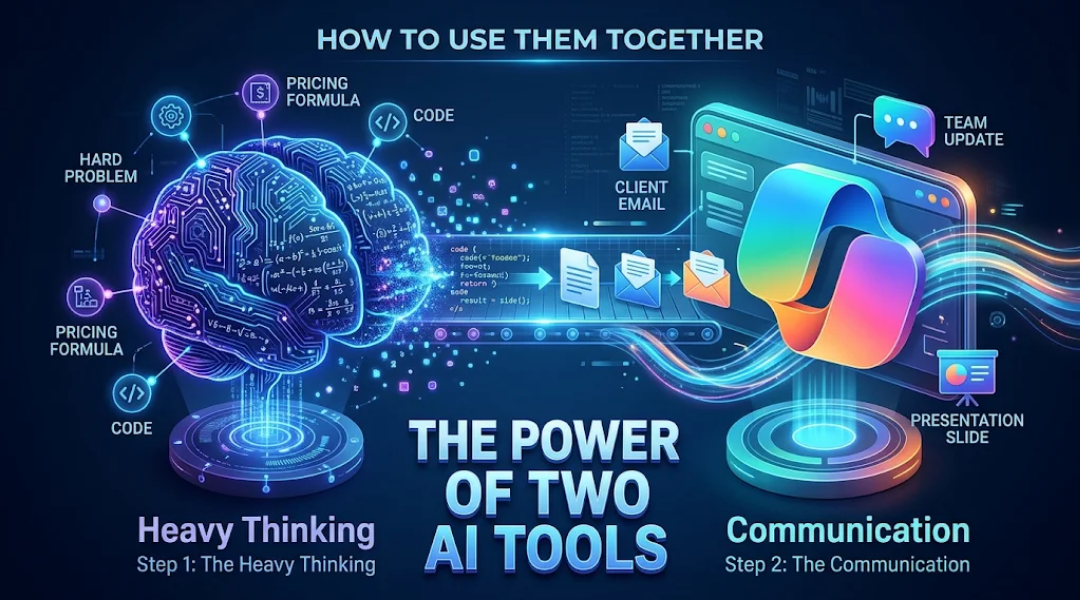
Step 1 (The Heavy Thinking): Use DeepSeek to solve a hard problem, audit a pricing formula, or write a custom piece of code.
-
Step 2 (The Communication): Take that verified result and ask Copilot to turn it into a clear email for a client, an update for your team chat, or a presentation slide.
This setup lets DeepSeek handle the deep technical thinking while Copilot handles the office communication and formatting.
Conclusion: Building Your Dual AI Toolkit
Choosing an AI helper is not about finding one single winner. DeepSeek gives you powerful analytical reasoning, while Copilot gives you seamless integration into your daily work apps. By using each tool for what it does best, you can cut down on daily frustration and get your work done much faster.