
Clarifying the "Claude Leak": How AI Chat Sharing Features Actually Work
Viral claims that Claude is leaking private chats are false; default conversations remain strictly private unless a user manually generates a public share link. When these public links are posted online, search engines index them, but users can revoke access to any shared link at any time through their settings.
Reports and viral social media posts have recently claimed that Claude, the AI assistant developed by Anthropic, is secretly leaking users' private chat logs online. These claims have sparked concern among users about data privacy, but the reality behind the headline is much less alarming.
Misleading Headlines VS Standard Functionality
The viral claims suggest that Claude suffers from a security flaw or data breach that dumps user conversations onto public web servers. In reality, every conversation on Claude remains strictly private by default.
The shared chats appearing on search engines are not the result of a leak, but rather the intended behavior of Claude's "Share" feature. When a user intentionally generates a public link to share a specific chat, that exact conversation snapshot becomes accessible via a dedicated URL.
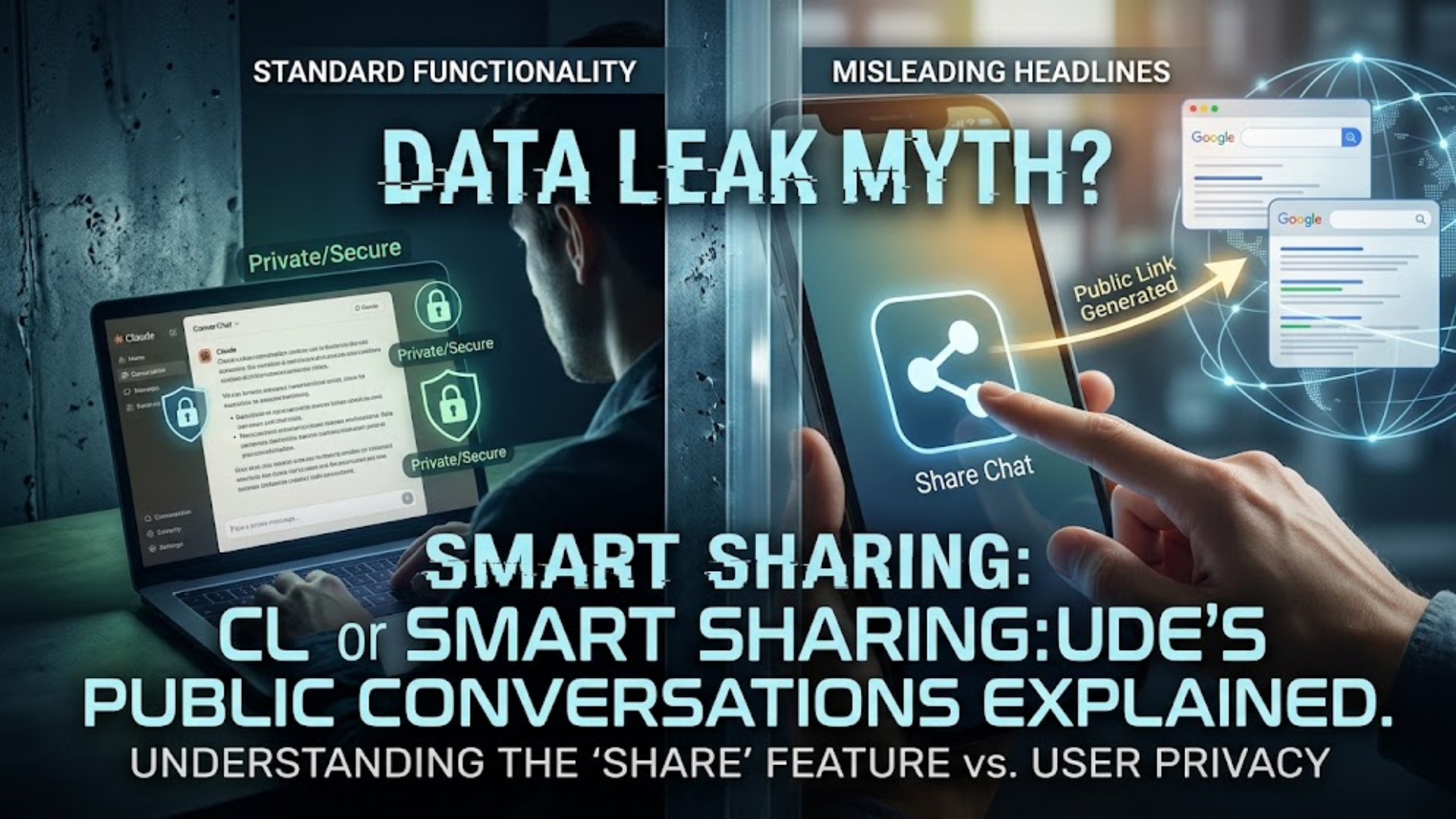
How Public Links End Up on Search Engines
When users create a public link and post it on publicly indexed spaces, such as Reddit, X, public Discord channels, or forums, web crawlers (like Google's indexing bots) automatically discover and log those URLs.
Key points to keep in mind regarding link visibility:
-
Default chats stay private: Search crawlers cannot access or index conversations sitting in your private account dashboard.
-
Public means searchable: Creating a public link transforms that specific conversation into a webpage accessible to anyone with the link or any search crawler that finds it online.

How to Audit and Manage Your Shared Content
Users have full control over the links they have generated. If you have previously shared a chat and want to remove public access, you can audit your shared links in just a few steps:
-
Open Settings: Log into Claude and click your profile icon in the bottom-left corner to access Settings.
-
Go to Privacy: Select the Privacy tab within the settings menu.
-
Manage Shared Links: Click Manage next to Shared chats or Shared artifacts.
-
Revoke Access: Review the list of generated URLs and click Delete / Unshare on any link you want to make private again.

Conclusion: Understanding the Line Between Privacy and Public Sharing
The idea that Claude is automatically leaking user data is unfounded. While AI privacy remains an essential topic to monitor, this situation boils down to how standard link-sharing tools work across the web. To keep your information safe, treat public link creation as a deliberate action, only share conversations you are comfortable making public.
Watch the full video on Instagram 👉
https://www.instagram.com/reel/DdB5YmKq4lJ/?stkn=dGNrZGQ0Z3N1cXoz