Beyond ChatGPT: How to Pick the Right AI Assistant for Every Task
Relying solely on ChatGPT limits your productivity, as modern AI work requires using specialized tools for specific tasks. By building a multi-AI strategy, using Claude for writing and code, Gemini for deep web research, DeepSeek for complex math, and Copilot for Microsoft Office integration, you can match every task to its ideal assistant for far better results.
If you rely on ChatGPT for every single task, you are missing out on the full potential of modern artificial intelligence. While ChatGPT is a versatile tool, using a one-size-fits-all approach limits your productivity. Different AI assistants are optimized for distinct strengths, ranging from deep reasoning to real-time research, and knowing which one to leverage can dramatically improve your work.
The Right Tool for the Right Task
The AI ecosystem has evolved into specialized domain experts. Selecting the correct assistant based on what you need to deliver ensures better quality and faster results:
-
Claude for Writing, Strategy, and Coding: Highly capable at deep reasoning, generating nuanced text, writing code, and developing strategic plans.
-
ChatGPT for Brainstorming and Communication: Excellent for creative ideation, writing emails, and conversational drafting.
-
Gemini for Deep Research: Powered by Google's search infrastructure, making it ideal for gathering up-to-date facts, web-based research, and analyzing current information.
-
DeepSeek for Math, Science, and Logic: Purpose-built for handling complex mathematics, physics problems, and structured logic, offering powerful reasoning capabilities for free.

Seamless Integration: Bringing AI Straight to Your Workspace
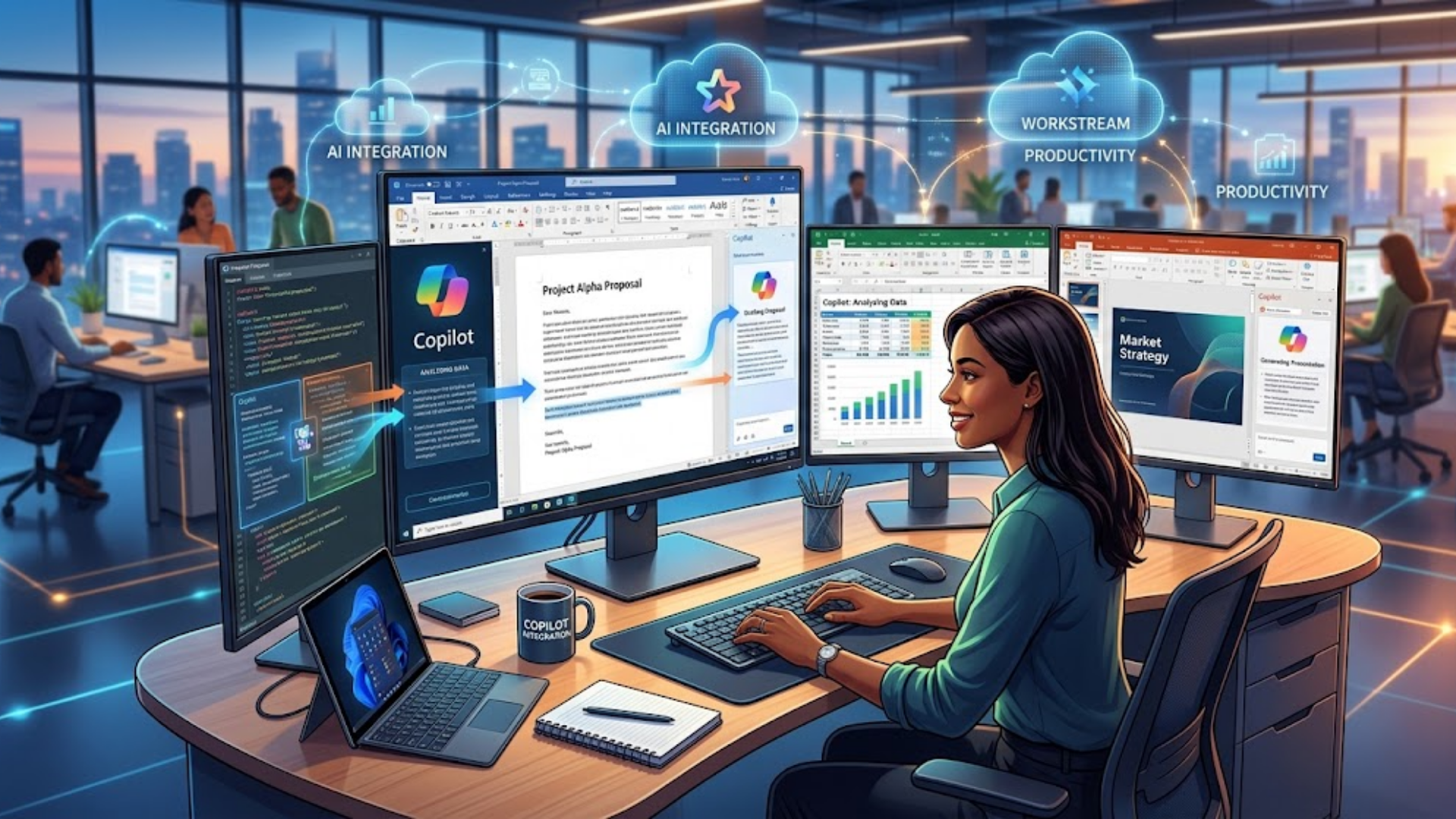
The true power of AI isn't limited to isolated chat interfaces on a web page; it lies in how smoothly these tools embed into your everyday work environment. Tools like Microsoft Copilot represent a major leap forward by bringing intelligence directly into the software suite you already use, including Word, Excel, and PowerPoint.
Instead of constantly copying and pasting prompts and responses between browser tabs, embedded AI meets you where your work happens. You can ask Copilot to analyze thousands of data rows in Excel, draft a business proposal directly in Word, or convert text into a multi-slide presentation in PowerPoint within seconds. Eliminating context switching and manual formatting saves immense friction, turning your existing workspace into a high-speed productivity engine.
From Single-Tool Reliance to an AI Strategy
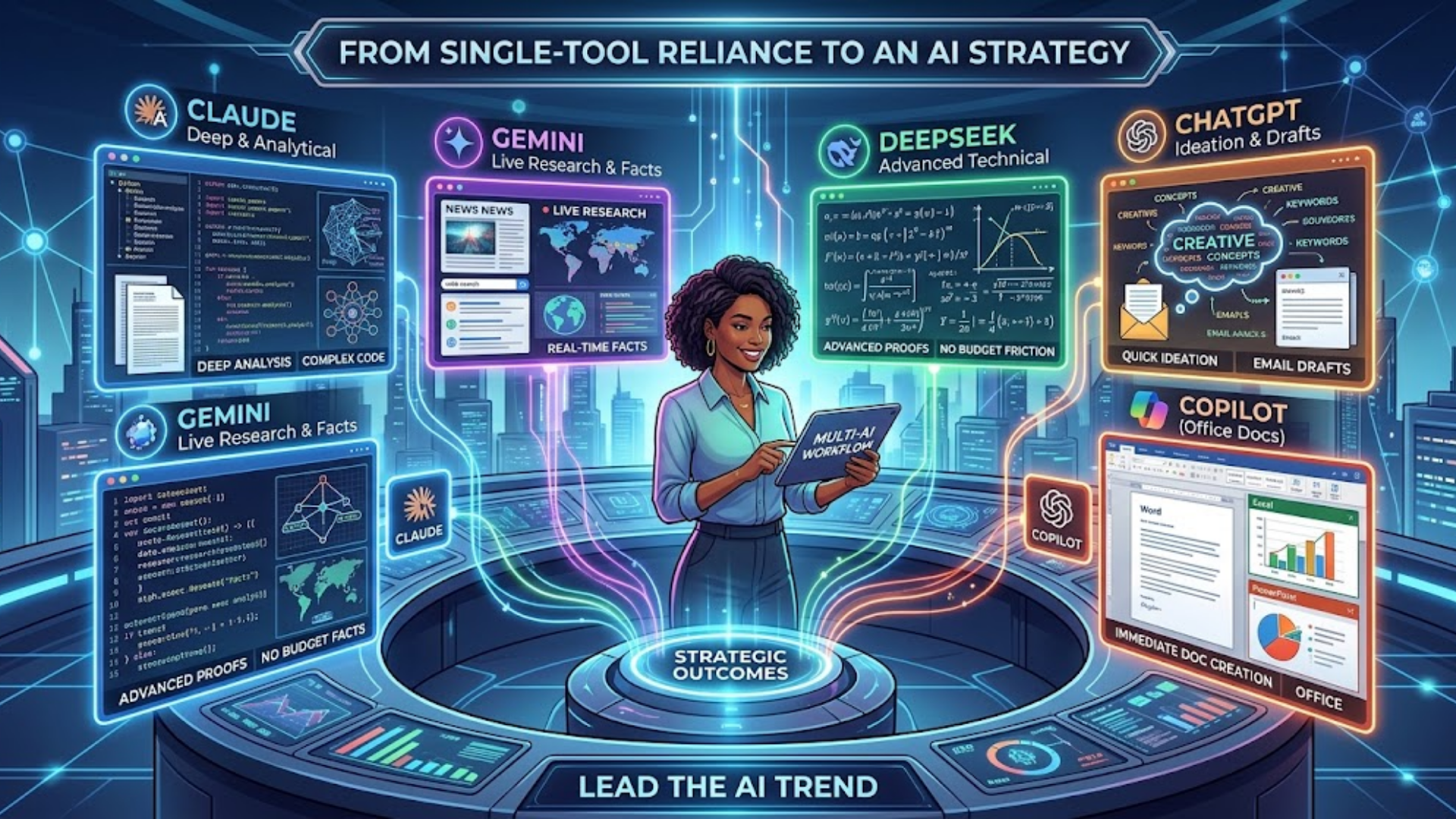
Mastering modern technology is no longer about finding one "perfect" app to handle your entire workload. It requires shifting your mindset from using a single chatbot to executing a deliberate multi-AI strategy. When you approach AI with an Input the Output mindset, you start with the exact result you want to achieve and work backward to pick the model best engineered to deliver it.
Treat your AI tools like a team of specialized advisors:
-
Reach for Claude when you need a deep, analytical perspective or complex code.
-
Use Gemini when you need live facts and deep web research.
-
Turn to DeepSeek for advanced technical proofs without budget friction.
-
Tap ChatGPT for quick ideation and email drafts.
-
Rely on Copilot for immediate document creation inside Office.
By matching every task to its ideal assistant, you play to each model's distinct advantages, ensuring far higher output quality every single time.
Conclusion: Lead the AI Trend
Relying solely on a single AI tool keeps you behind the curve. By understanding the unique strengths of today's top assistants, Claude, ChatGPT, Gemini, DeepSeek, and Copilot, you can build an efficient, multi-tool workflow tailored to your exact needs. When you match the tool to the output, you stop following tech trends and start staying ahead of them.
Watch the full video on Instagram 👉
https://www.instagram.com/reel/DclkdWeKAxm/?igsi=cW5qczhqZmRteml1