
Talk Faster, Type Less: Easy Tips for ChatGPT’s Live Voice Feature
ChatGPT’s upgraded voice dictation removes the 10-minute limit and transcribes your words live with zero lag. To work faster, use it to talk through messy ideas out loud, spot and fix typos on screen before sending, and dictate rough drafts for emails or projects instead of typing from scratch.
OpenAI just made ChatGPT’s voice dictation much better. Now, your words show up on the screen as you speak, and the old 10-minute time limit is gone. You can talk freely, fix any mistakes right away, and hit send with zero waiting.
To get the most out of this update, use your voice to share rough ideas quickly, then let ChatGPT clean them up. Here are three simple tricks to try today.
Do a "Brain Dump" Without Stopping
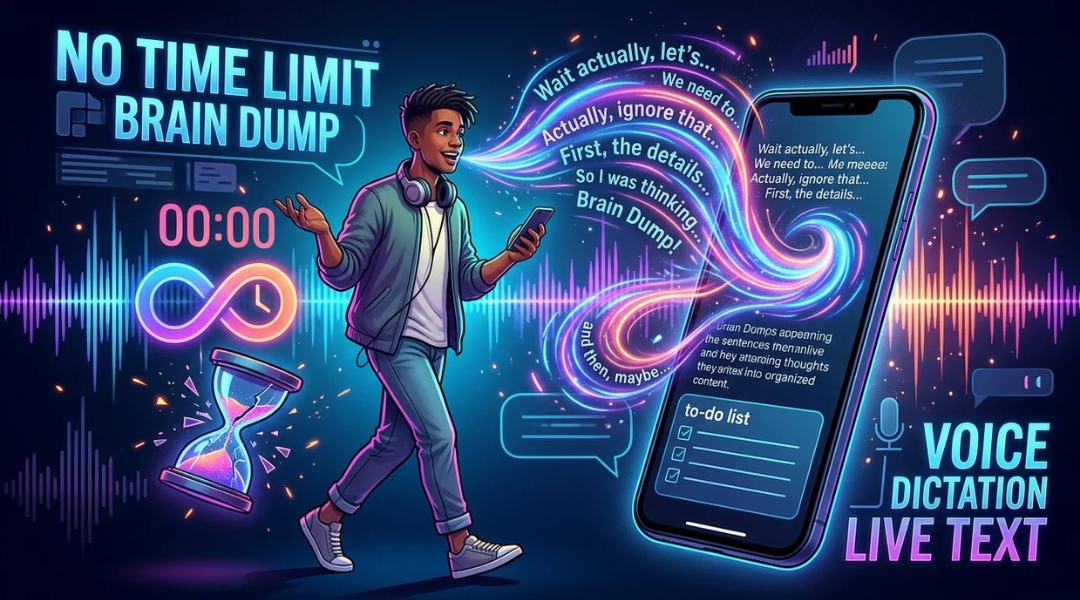
Since there is no time limit anymore, you do not need to pause or plan your sentences. Just talk like you are explaining an idea to a friend.
-
Share the details first: Tell ChatGPT what you are working on and what you need before you ask for the final answer.
-
Fix mistakes out loud: If you say the wrong thing, do not stop. Just say, "Actually, ignore that, let's do this instead." ChatGPT will understand you.
-
Ask for a clean format at the end: Finish talking by saying something like, "Turn everything I just said into a simple to-do list."
Check Your Words as You Speak
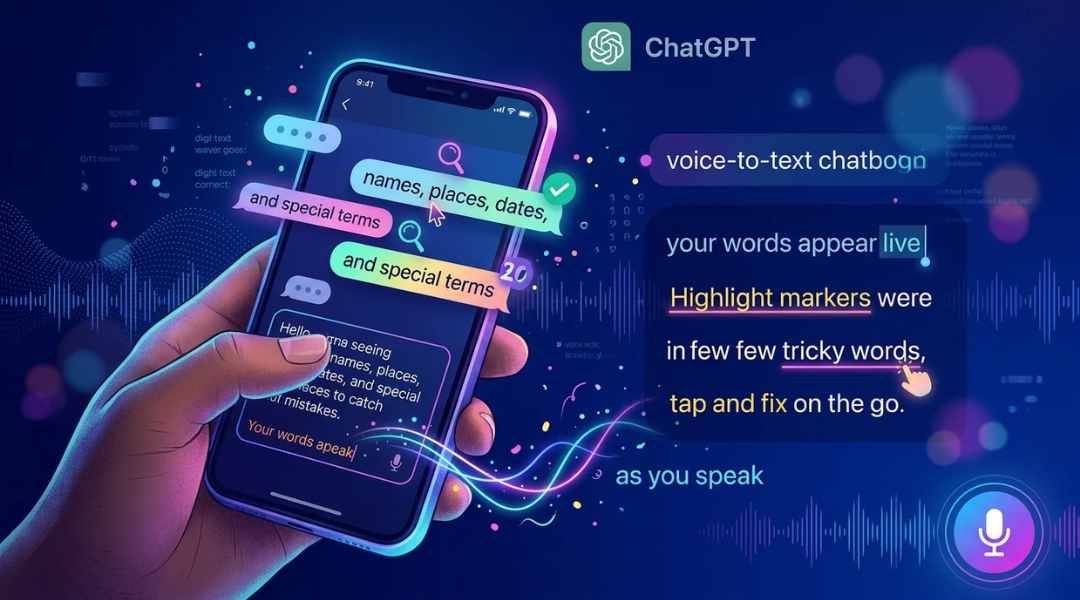
Seeing your words appear live helps you catch mistakes before you hit send. You no longer have to wait until the end to see if ChatGPT heard you right.
-
Watch tricky words: Keep an eye on the screen when you say names, places, or special terms. If a word looks wrong, tap to fix it and keep talking.
-
Keep track of your points: Reading your words live makes it easy to see what you have already covered so you do not repeat yourself.
-
Do a quick final check: Because your text sits in the chat box before sending, take two seconds to fix any wrong numbers or dates before hitting enter.
Beat Writer's Block by Talking First
Staring at a blank screen makes writing hard. Using your voice is a much faster way to start an email, a message, or a new project.
-
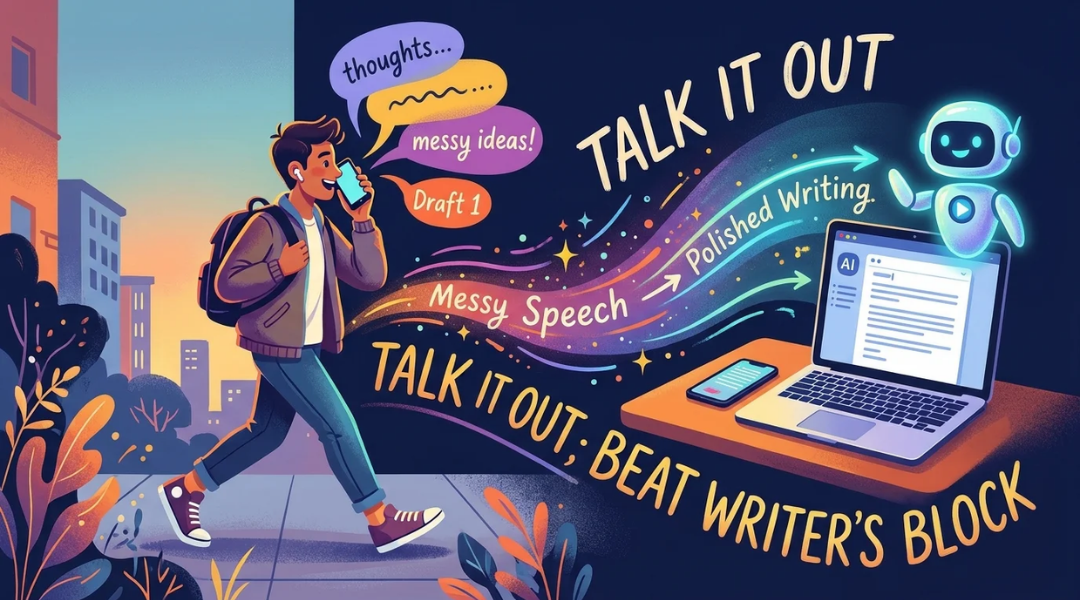
Talk through hard emails: Say what you really want to say out loud, even if it sounds messy. Then, ask ChatGPT to rewrite it so it sounds polite and clear.
-
Save ideas on the go: Use voice dictation while walking or resting to get your thoughts out of your head and onto the screen.
-
Make quick changes with your voice: Once ChatGPT writes a draft for you, use short voice notes to tweak it, for example, "Make this shorter" or "Make it sound friendlier."
Conclusion: Start Using Your Voice Every Day
With no time limits and no waiting, talking to ChatGPT is now faster than typing. By speaking freely, checking your words on the screen, and letting the AI polish your rough ideas, you can get your work done in half the time.