
How to Use AI to Take Notes in Every Meeting (Online & In-Person)
This article explains how to use AI to handle meeting notes so you can stay focused. For online meetings, AI assistants can silently join to summarize key points and assign action items. For in-person meetings, you can record the audio on your phone and upload it to an AI tool to get a breakdown of the conversation, highlights, and next steps.
Having multiple meetings in a single day is exhausting. It is hard to stay focused, listen carefully, and write down every important detail at the same time. Missing key action items or forgetting who said what happens to everyone.
Luckily, Artificial Intelligence (AI) can take notes for you so you can focus on the conversation. Here is how you can use AI to manage both online and in-person meetings effortlessly.
Let AI Handle Your Virtual Meetings
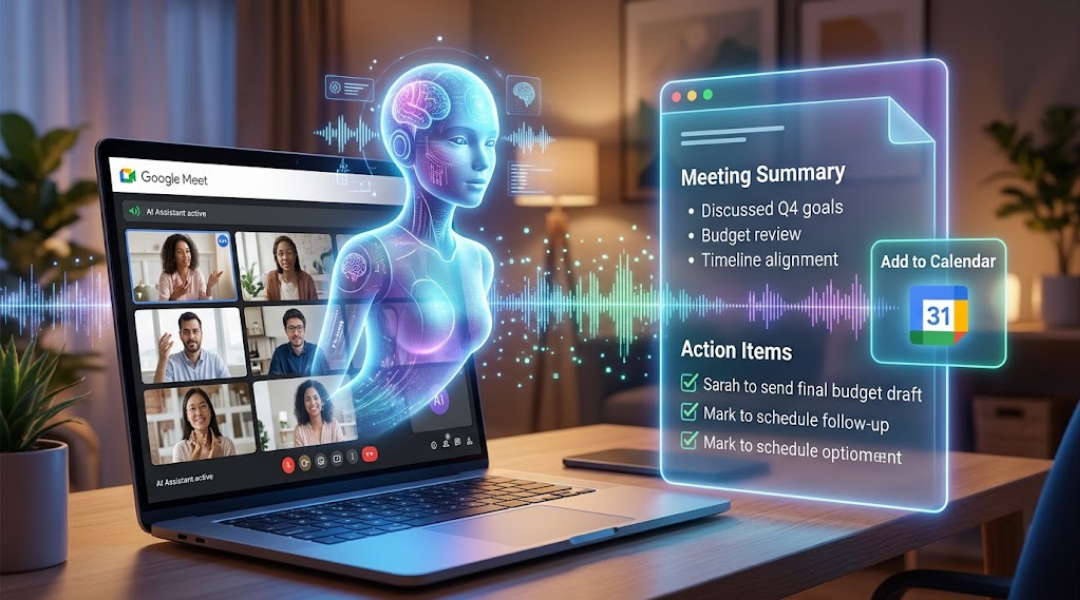
When you have online calls on platforms like Google Meet, AI assistants (such as Google Gemini) can do the heavy lifting for you.
-
Automatic Listening: The AI joins the meeting silently and listens to everything being said.
-
Instant Summaries: As soon as the call ends, it writes a short summary of the main points.
-
Action Items: It automatically lists key decisions and next steps, attaching them directly to your calendar invite for everyone to see.
Use Phone Audio for In-Person Meetings
Virtual AI bots cannot sit with you in a conference room, but you can still use AI for face-to-face meetings using a simple trick:
-
Record the Call: Open the voice recorder app on your phone and record the meeting audio.
-
Upload to AI: Once the meeting is over, upload the audio file to AI tools like ChatGPT, Gemini, or Claude.
-
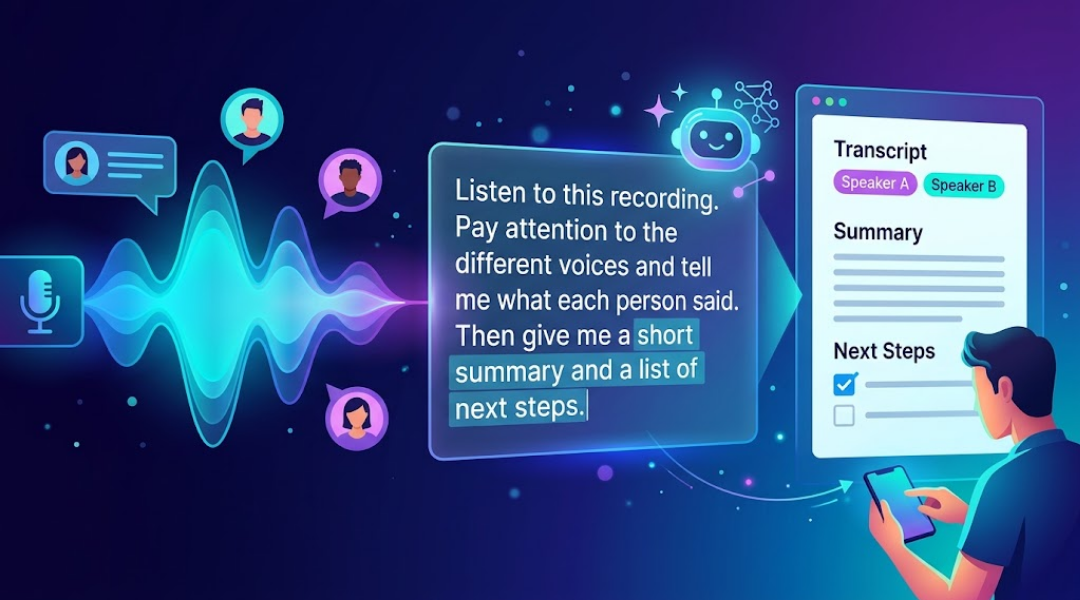
Ask for Analysis: The AI will listen to the recording, identify different people speaking, and summarize what each person said.

Use Simple Prompts to Get the Best Results
To get a clear summary from your audio recording, you just need to give the AI the right instruction.
Here is a simple prompt you can copy and paste:
"Listen to this recording. Pay attention to the different voices and tell me what each person said. Then give me a short summary and a list of next steps."
This turns a long audio recording into a quick, easy-to-read checklist in seconds.
Conclusion: Focus on the Talk, Not the Notes
You no longer have to stress about losing focus or missing details during a busy workday. By using built-in AI tools for online calls and quick voice recordings for in-person chats, you can stay fully present in every conversation while AI handles the notes.
Watch the full video on Instagram 👉
https://www.instagram.com/reel/De1x94bqVgY/?exln=MXV2bjlraWZhcXFqMQ==